PrezHub Interactive Guide
The complete 2016 user manual - keyboard shortcuts, customization workflow, and interface details from the actual production system.
Keyboard Shortcuts
Standing in front of 200 students, you don't want to hunt for a mouse. These keyboard shortcuts made reps feel like power users.
Completely exit out of the presentation and return to the "Presentations" dashboard
Make the presentation fullscreen for maximum audience visibility
See multiple slides at once and navigate to a particular one
Alternative key for overview mode - same as O key
Display helpful information and keyboard shortcut reference
Proceed to the next slide (alternative to clicker or arrow keys)
Show slide notes/script on your laptop while presentation stays on projector
Pro Tip
Presentation Clicker Support
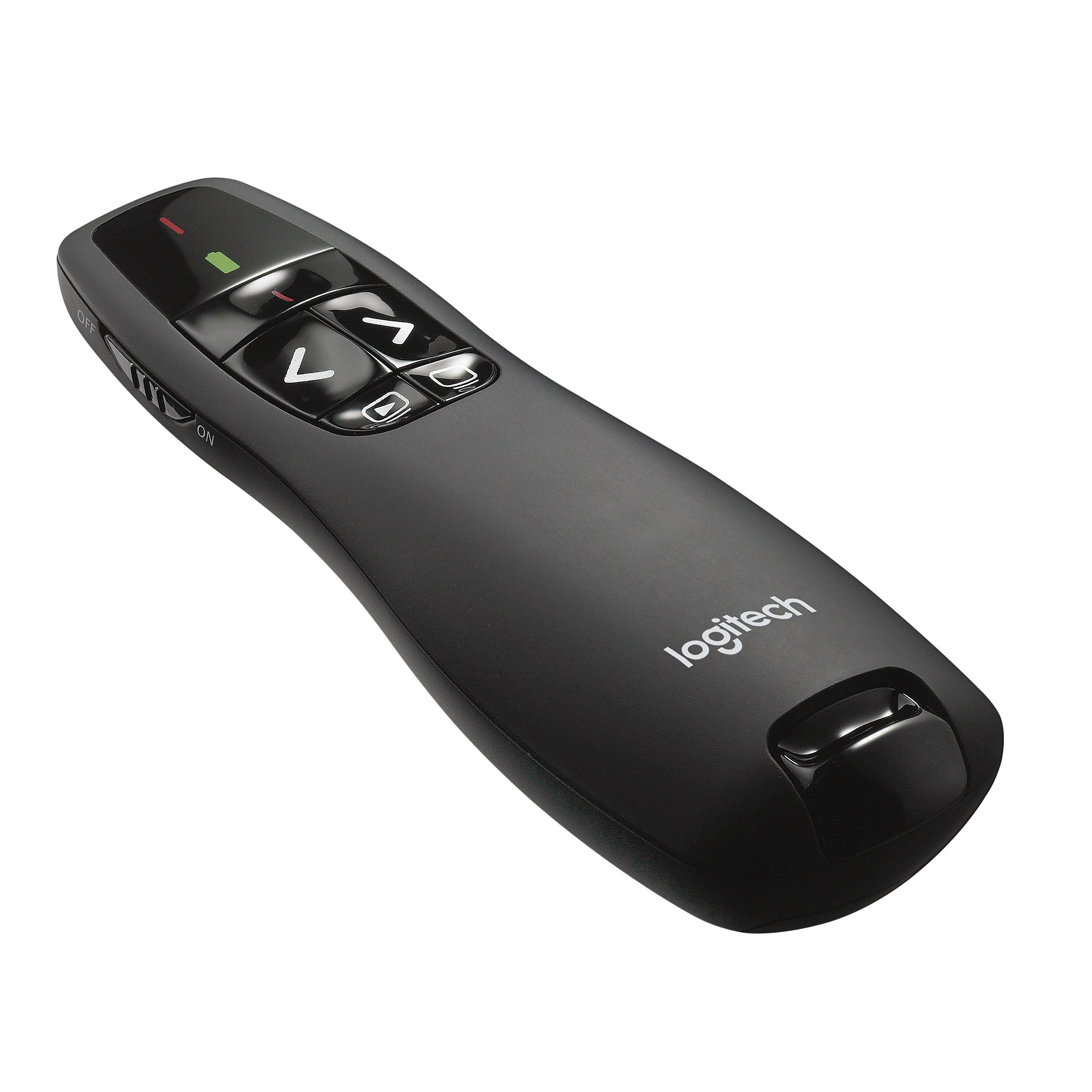
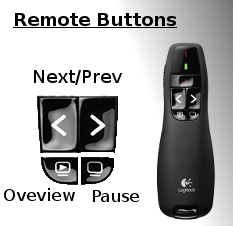
PrezHub had built-in support for the Logitech R400 (and compatible) presentation clickers. The clicker buttons mapped directly to keyboard shortcuts, so reps could navigate presentations while walking around the room.
Every page of the presentation included a visual reference showing which clicker buttons did what - no manual needed. Forward/back navigation worked out of the box, and the blank screen button paused video slides.
Technical References & Research
Building PrezHub in 2016 meant learning from bleeding-edge resources. Here are some of the references that were invaluable during development:
Want the original documentation?
Download 2016 PDF User Guide (5 pages)